
Introduction
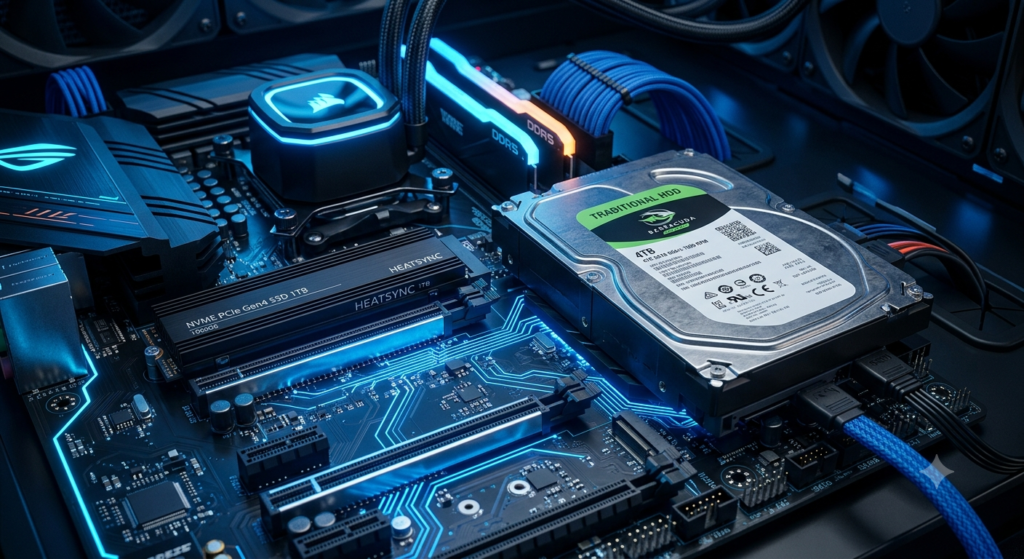
The most important decision that we take while buying the laptop, desktop or gaming pc is choosing the right storage device for it. Storage is responsible in keeping your important operating system, files, application, photos, videos and other important files safely on your laptop or desktop.
today there are only two main type of drivers available in the market which the people can choose from between them one is Solid State Drives (SSDs) and the second one is Hard Disk Drives (HDDs)while the both type of storage provide same feature of storing the data but the main difference is that they both are built using different technologies and offers different speed, performance and the durability.
In this article we are going to compare the SSD vs HDD in detail, explaining how each one works, discussing the the advantages and the disadvantages, comparison of both storage performance that will eventually help you to understand which storage device you should use in 2026 so satisfy your needs.
What Is an SSD?
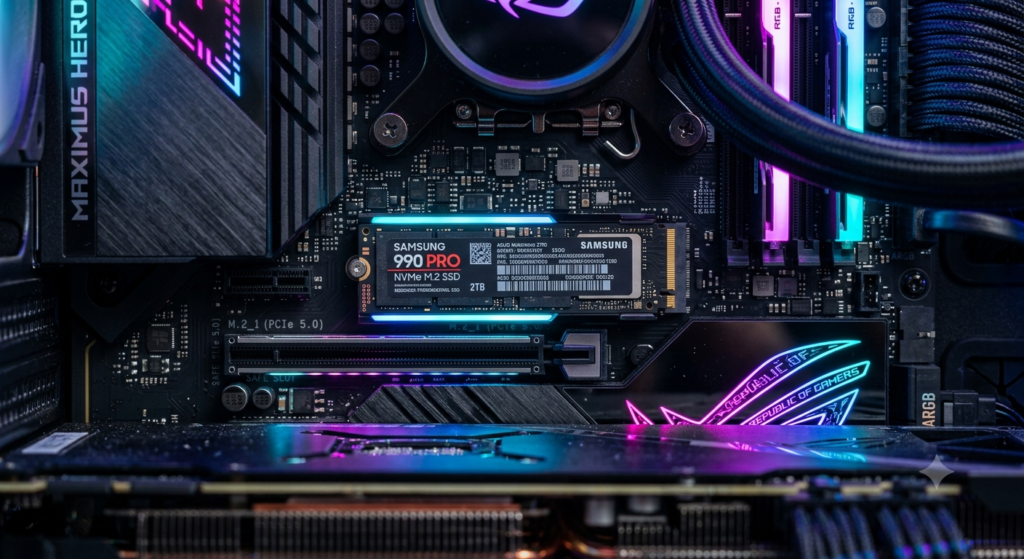
Solid State Drive (SSD) is a modern storage device that helps in the storage of data using the flash memory chips, instead of moving the mechanical parts.
Solid State Drive (SSD) are not like the traditional hard disks that have spinning disks or the read and write heads in it. This what makes them faster in the transfer of the data and faster access of the data while also making them more durable and energy efficient.
Nowadays the Solid State Drive (SSD)s have become the standard storage option for most of the new laptops, gaming PC and the computer with the high performance desktops.
Advantages of SSDs
- It has extremely fast read and write speeds
- Faster boot time of the system
- Quick loading speed of the application
- Lower power energy consumption
- Better durability due to no moving parts
- Lightweight design
- Highly improved performance in gaming
What Is an HDD?
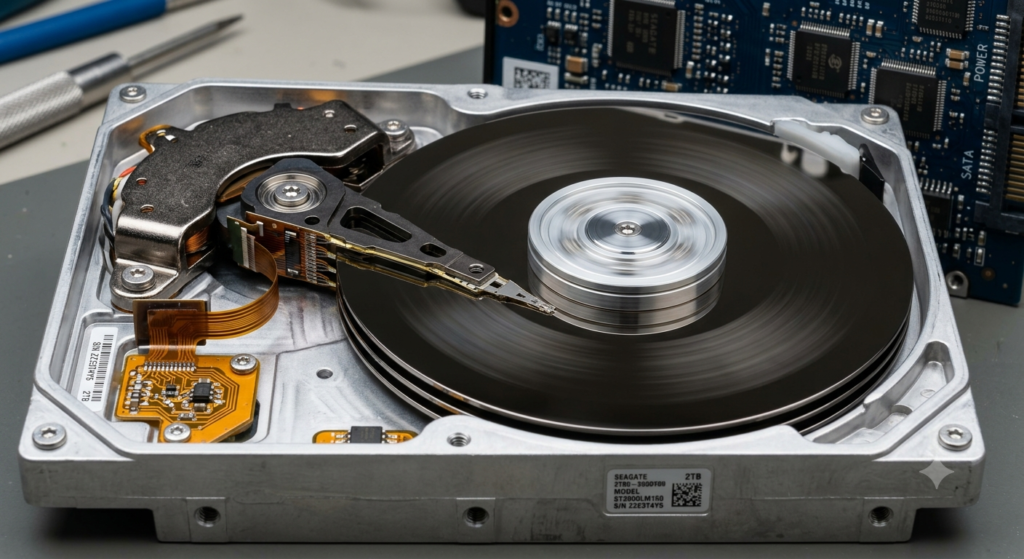
Hard Disk Drive (HDD) is a storage device that is being used in the computers for many decades.
Unlike the SSDs, Hard Disk Drive (HDD)s stores the data on the platters that is a spinning magnetic disks. These platters helps in the access of data and saving of the information by using the mechanical heads that moves across these platters. because the Hard Disk Drive (HDD)s rely on the movement of the mechanical components that’s why it is generally slower than the SSDs
Many of the people still uses the HDDs for storing the large collections of the movies, videos, photos, backups of files that usually don’t require the high speed performance.
Advantages of HDDs
- Lower price per gigabyte
- Large storage capacities
- Suitable for long-term the storage of file
- Widely available
- budget friendly option for users
How Do SSDs and HDDs Work?
Although both HDDs and SSDs are specifically designed for the storage of the data but each one uses different technologies.
An SSD stores your information electronically since there are not any mechanical parts in it which helps in the access of data instantly and faster performance as compared to the HDD.
On the other hand the HDDs stores the data on a rotating mechanical component platter whenever you open any file in the HDD, the mechanical itself read/write head itself moves to the selected location before the data can be accessed by users.
This process takes longer time than the SSDs to open a file , because of this reason the SSDs are significantly much faster than the HDDs.
SSD vs HDD: Key Differences
It will be easier for the users to understand which one to choose between those in the different areas.
1.Speed
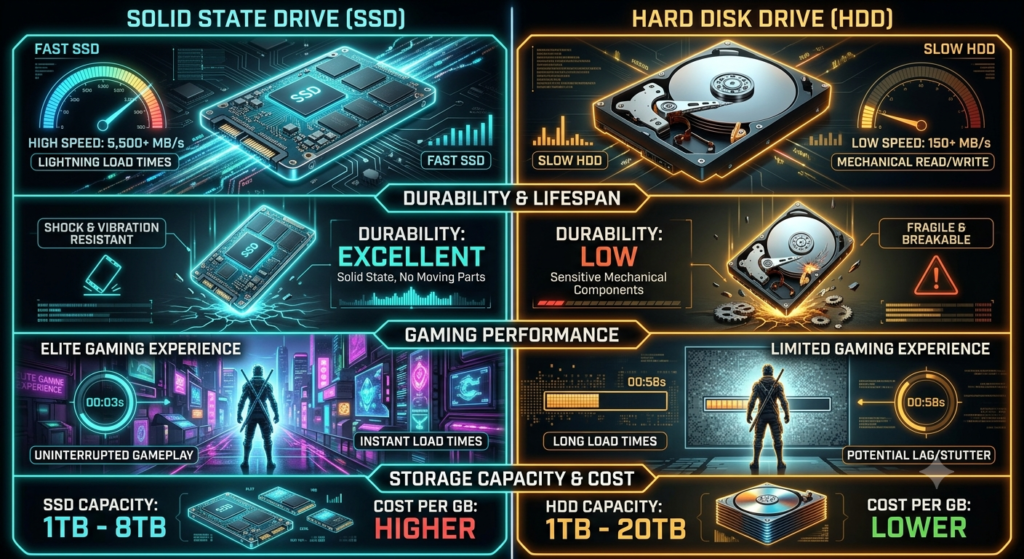
Speed is one of the biggest difference between both of them. An SSD can boot your operating system , files and launch applications at a very fast speed as it uses the flash memory chips instead of the mechanical read or write heads, In comparison to this the HDDs are much slower as it physically need to spin their disk and move the read or write heads whenever the the data is accessed.
Winner: SSD
2.Storage Capacity
In this the HDDs offer much larger storage as compared with the SDDs and in fact it is way cheaper than the SSDs. It is very common to find HDDs with the capacity of 1tb,2tb,3tb,4tb and even larger storage as per your requirement which helps in making them ideal for storing the large amount of data. SDDs are also available in large sizes like 4TB or 5TB but they are usually more expensive than the HDDs. if you are one of those guys who want to store a large amount of information so you can choose the HDD because this help you to store the large amount of information in fact in the low prices as well so HDDs will be the better choice for your needs.
Winner: HDD
3.Price
Here in this the biggest advantage HDDs is affordability as the technology of the SSD is available for like many years and being used traditionally for several years manufacturers can produce a large capacity drives at a very comparatively low price than the SSD but SSD prices have also decreased over the past few years which makes them very affordable than in the past
Winner: HDD
4.Durability
as the SSD doesn’t have physical moving parts like the HDD so it is resistant to this situation like the accidental drops, vibrations and physical shocks.
HDDs are very delicate as compared to the SSD because we know that in SSD there is a spinning disc and the mechanical components that can be damaged easily if the drive is dropped or Exposed to strong impacts that can be dam very easily That’s why it is more delicate as compared to the SSD.
SSD is usually the safest choice for the laptops that can be carried around. Like anywhere frequently.
Winner: SSD
5. Power Consumption
SSD usually require less amount of electricity because it’s does not require any motors or spinning discs to operate. like the HDD this makes it very beneficial for the laptop users, as this features or you can say the benefits of, lower power consumption can contribute to the long lasting battery life of the laptops whereas the HDD require huge amount of electricity as compared to the SSD to spin The platters Continuously during the operations in which the user requires some data or fetch some data from the HDD.
Winner: SSD
6.Gaming Performance
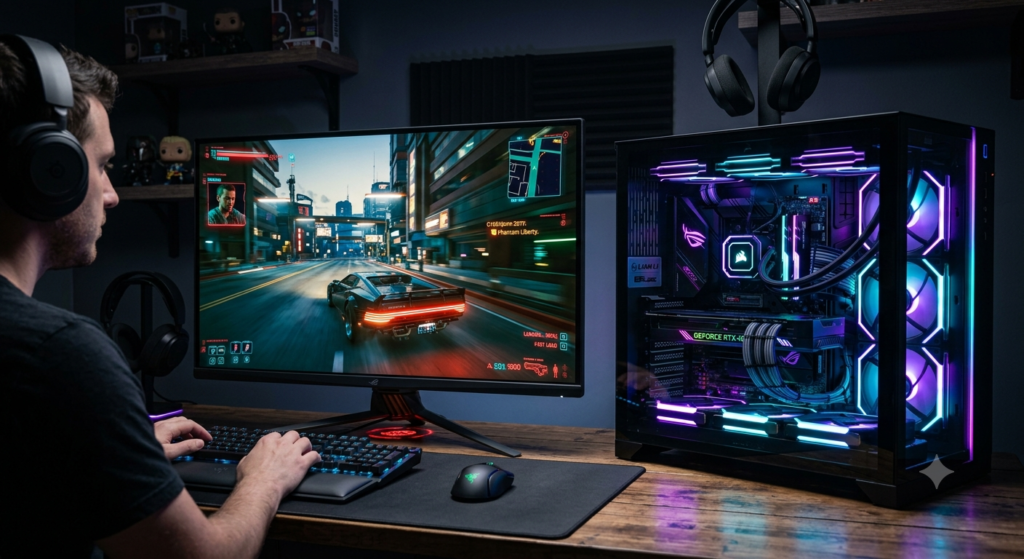
As we know that to gamers the most important thing is this storage speed. That place an important role in making big game play smoother and faster. An SSD does not directly increases your games FPS that is Frames Per Second It significantly reduces the loading time of your games. Games data installed on an SSD storage starts much faster, Maps load quickly, and the updates are installed in a very less time.
if you regularly play games like:
- Cyberpunk 2077
- GTA V
- Fortnite
- Call of Duty
- VALORANT
, Installing them on SSD can improve your overall experience in gaming field, Whereas HDD can still play game smoothly But the users can face the problems Longer loading time in games as compared to SSD storage which boot your game in few seconds.
Gaming Comparison
SSD
- Faster loading speed of the games
- Updates Gets installed quickly
- Reduction in the waiting time
- Improvement open world streaming
HDD
- longer loading screens
- slow installation of games
- highly suitable for storing large games in libraries
Winner: SSD
7.Noise Level
This is one of the major difference between the SSD and HDD. The amount of noise they produce, As we all know that SSD does not contain any moving mechanical parts like HDD as they operate in a silent and HDD contains spinning magnetic disks a moving read /heads. Although the modern HD are usually quieter but they’re still noisier Then the SSD if you that user which prefer a silent computer or a laptop You can definitely go with SSD option that will be the best option for you to choose.
Winner: SSD
Frequently Asked Questions (FAQ)
What is the main difference between an SSD and an HDD?
An SSD stores the data in a flash memory chips whereas HDD stores the data in platters which is spinning magnetic disc that are basically the mechanical components of the HDD
Is an SSD faster than an HDD?
Yes. SSD is comparatively faster then the HDD in booting your computer or opening any applications and files in your computer.
Which is better for gaming: SSD or HDD?
if you regularly play games like GTA5, fortnite ,Call of Duty, valorant or cyberpunk 2077, Installing them on SSD can improve your overall experience in gaming field, Whereas HDD can still play game smoothly But the users can face the problems Longer loading time in games as compared to SSD storage which boot your game in few seconds.
Can I use both an SSD and an HDD together?
Yes. many desktops and gaming laptops uses both storage devices. The SSD is used for operating system and the frequently used applications in the computer
🔗 Article Suggestions
If you’re interested in learning about future technologies, read our article Top 10 Technologies That Will Change the World by 2030.
To understand how modern data storage works online, explore What Is Cloud Computing? Types, Benefits & Real-World Uses.
If you’d like to improve your online safety, don’t miss Essential Cybersecurity Tips Everyone Should Follow in 2026.
To learn about the latest wireless networking technology, check out What Is Wi-Fi 7? Features, Speed, Benefits & Everything You Need to Know.
If you’re curious about how data is processed closer to devices, read What Is Edge Computing? Benefits, Uses & Future Applications.
If you’re interested in the future of computing, explore How Quantum Computing Could Change Everyday Life by 2035.